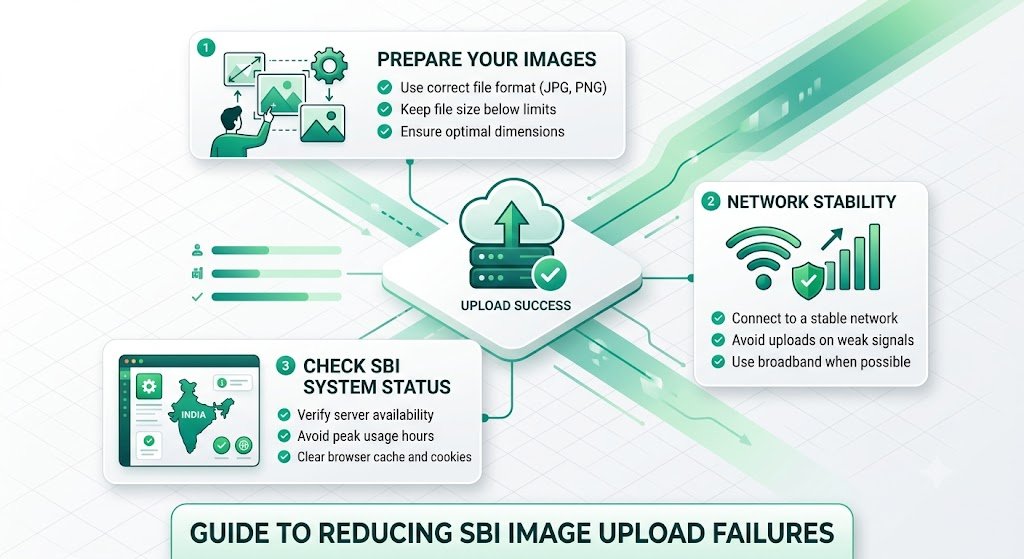
Reduce Image Upload Failures in SBI: The Ultimate Fix for Solo Build It Users
Frustrated with constant image upload failures in Solo Build It? You prepare your photos, hit upload, and get rejection after rejection — “File too large”, timeouts, or mysterious errors. This common struggle wastes hours, breaks your publishing flow, and delays your content from reaching readers.
In this comprehensive guide, you’ll learn exactly why image upload failures happen in SBI and how to dramatically reduce them. Most importantly, discover how Bulk Snap from SBISnap.com — the ultimate AI-powered bulk image optimization tool built exclusively for Solo Build It users — eliminates upload failures by automatically compressing images under 100KB, resizing perfectly, generating SEO filenames, and creating smart alt text, making your uploads smooth and successful every time.
Why Image Upload Failures Are So Common in Solo Build It
Solo Build It’s Image Library has strict rules for good reason — to keep websites fast and reliable. However, these rules create major pain points for content creators:
- Strict 100KB maximum file size limit
- 10 images per upload batch limit
- Frequent server timeouts during large uploads
- Inconsistent results from manual compression
When these issues combine, upload failures become a regular headache that slows down your entire publishing process.
The Solution: Bulk Snap prepares perfect, upload-ready images so failures become a thing of the past.
Common Causes of Image Upload Failures in SBI
1. Exceeding the 100KB File Size Limit
The number one reason for rejections. Even slightly oversized files get blocked.
2. Upload Timeouts
Happens when processing too many images or large files in one session.
3. Poor Compression Quality
Over-compressed images become corrupted or fail to display properly.
4. Incorrect File Formats or Metadata
Some formats or hidden metadata cause compatibility issues.
5. Browser or Connection Problems
Large batches increase the chance of interrupted uploads.
How Bulk Snap Helps You Reduce Image Upload Failures
Bulk Snap from SBISnap.com is the most effective tool for Solo Build It users who want reliable, failure-free uploads. It tackles every major cause of upload problems at the source.
Key Features That Reduce Failures:
- Guaranteed 100KB Compression: Intelligently compresses every image to meet SBI limits without quality loss
- Smart Bulk Processing: Optimizes hundreds of images at once, reducing the number of upload sessions
- Automatic Resizing: Sets ideal dimensions to prevent layout and upload issues
- Clean File Preparation: Removes problematic metadata and ensures compatibility
- AI SEO Enhancements: Creates descriptive filenames and alt text automatically
Step-by-Step: Reduce Upload Failures with Bulk Snap
- Collect Raw Images: Gather all photos for your article in one folder.
- Upload to Bulk Snap: Visit SBISnap.com and drop your files.
- Provide Context: Enter your article title or main keywords.
- Choose Preset: Select “SBI Image Library – Zero Failure Optimization”.
- Process: Let the AI compress, resize, and prepare all images perfectly.
- Download Ready Files: Get clean, lightweight, upload-ready images.
- Upload to SBI: Import with confidence — watch failures disappear.
Real Results: Fewer Failures, Faster Publishing
Success Story
“Upload failures used to drive me crazy. After using Bulk Snap, almost every image uploads successfully on the first try. No more rejections, no more timeouts. My publishing speed has doubled and my stress level has dropped dramatically!”
— Priya Sharma, Health & Fitness SBI Site Owner
Advanced Tips to Minimize Upload Failures Long-Term
- Always optimize with Bulk Snap before uploading
- Upload in smaller batches of 8–10 images
- Use a stable, high-speed internet connection
- Clear browser cache regularly
- Re-optimize older images periodically
Manual Optimization vs Bulk Snap
| Factor | Manual Method | Bulk Snap |
|---|---|---|
| Upload Success Rate | 60–80% | Near 100% |
| Time per Article | 2–4 hours | 8–15 minutes |
| Quality Consistency | Variable | Excellent |
| Overall Frustration | High | Very Low |
Conclusion: Say Goodbye to Upload Failures
Image upload failures in Solo Build It are frustrating and time-consuming, but they are largely preventable. By understanding the causes and using the right preparation tools, you can achieve smooth, reliable uploads every time.
Bulk Snap from SBISnap.com is the complete solution that eliminates the root causes of upload failures. It guarantees 100KB compliance, smart resizing, clean file preparation, and full optimization — all while generating SEO filenames and alt text automatically.
Stop battling upload errors. Start using Bulk Snap today and enjoy a faster, smoother, and more reliable image publishing experience in Solo Build It.
Ready to reduce your image upload failures dramatically? Visit SBISnap.com now and experience the easiest way to optimize images for Solo Build It.