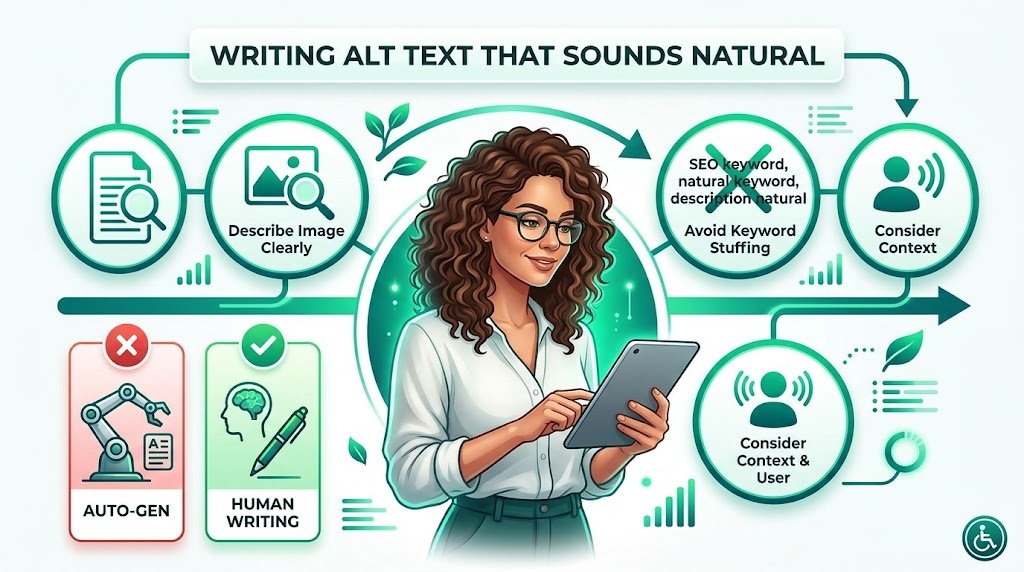
Writing Alt Text That Sounds Natural: Human-Friendly Tips for Solo Build It
Does your alt text sound robotic or unnatural? Many Solo Build It users write alt text that feels stiff, repetitive, or overly optimized — hurting both user experience and accessibility. The best alt text doesn’t just help SEO; it should sound like something a helpful human would naturally say.
In this detailed guide, you’ll learn how to write **alt text that sounds natural** while still being highly effective for SEO and accessibility. Most importantly, discover how Bulk Snap from SBISnap.com — the smartest AI-powered image optimization tool for Solo Build It users — automatically generates natural-sounding, context-aware alt text while handling compression under 100KB, SEO filenames, and bulk processing, saving you hours of manual effort.
Why Natural-Sounding Alt Text Matters in SBI
Good alt text does three important things:
- Helps screen readers describe images naturally to visually impaired users
- Gives search engines clear context without sounding spammy
- Improves overall user experience when images don’t load
When alt text sounds natural, it feels less like “SEO filler” and more like a helpful description — which benefits both humans and algorithms.
The Solution: Bulk Snap’s AI creates natural, human-like alt text based on your page context.
Natural Alt Text vs Robotic Alt Text: Real Examples
Robotic / Poor Alt Text:
- “Image of dog”
- “Keto food on plate”
- “Mountain landscape photo”
Natural & Effective Alt Text:
- “Happy golden retriever running across the beach chasing a red ball at sunset”
- “Colorful keto breakfast bowl filled with avocado, eggs, and cherry tomatoes on a wooden table”
- “Breathtaking view of snow-capped Himalayan mountains during early morning trek in Manali”
The natural versions feel like something you’d actually say to describe the image to a friend.
Best Practices for Writing Natural-Sounding Alt Text
1. Think Like a Storyteller
Describe what someone would notice first if they saw the image.
2. Use Everyday Language
Avoid SEO jargon. Write as if you’re explaining the image to a friend.
3. Keep It Contextual
Connect the alt text to the surrounding content and article topic.
4. Be Specific but Not Overly Long
Aim for 80–120 characters. Include key details without rambling.
5. Maintain Consistent Tone
Match the voice of your website — friendly, professional, educational, etc.
How Bulk Snap Generates Natural-Sounding Alt Text
Bulk Snap from SBISnap.com excels at creating alt text that doesn’t sound like it was written by a robot. Its AI understands your page context and produces natural, helpful descriptions.
Key Advantages:
- Context-Aware AI: Understands your full article topic and tone
- Human-Like Phrasing: Writes naturally instead of sounding mechanical
- SEO Balance: Includes relevant keywords without stuffing
- Bulk Generation: Creates natural alt text for hundreds of images quickly
- Complete Optimization: Also handles 100KB compression and SEO filenames
Step-by-Step: Creating Natural Alt Text with Bulk Snap
- Collect Your Images: Gather raw photos for your article.
- Upload to Bulk Snap: Visit SBISnap.com and upload the batch.
- Share Page Context: Enter your article title or main keywords.
- Run AI Optimization: Let Bulk Snap generate natural alt text along with compression and filenames.
- Review (Optional): Make small tweaks if desired.
- Download & Upload: Get ready-to-use files for SBI.
Real SBI User Experience
Success Story
“I love how natural the alt text from Bulk Snap sounds. It doesn’t feel robotic at all. My pages are more accessible, rank better, and I save so much time. This tool has become essential for every article I publish on SBI.”
— Anjali Sharma, Wellness & Lifestyle SBI Site Owner
Advanced Tips for Natural Alt Text
- Read your alt text aloud — does it sound like normal speech?
- Use action words when describing what’s happening in the image
- Vary sentence structure to avoid repetition
- For decorative images, simply use alt=""
Conclusion: Write Better Alt Text Without the Effort
Writing alt text that sounds natural is both an art and a skill. It improves accessibility, strengthens SEO, and creates a better experience for all your visitors. While you can (and should) understand these principles, you don’t have to do the heavy lifting manually.
Bulk Snap from SBISnap.com makes writing natural-sounding alt text effortless. Its AI generates human-like, context-aware descriptions while perfectly compressing images under 100KB, creating SEO filenames, and handling bulk processing — all tailored for Solo Build It users.
Stop struggling with stiff, repetitive alt text. Let Bulk Snap help you create natural, effective alt text that enhances your content and saves you hours every week.
Ready to improve your alt text and overall image optimization? Visit SBISnap.com today and experience the easiest way to optimize images for Solo Build It.